Fasset account
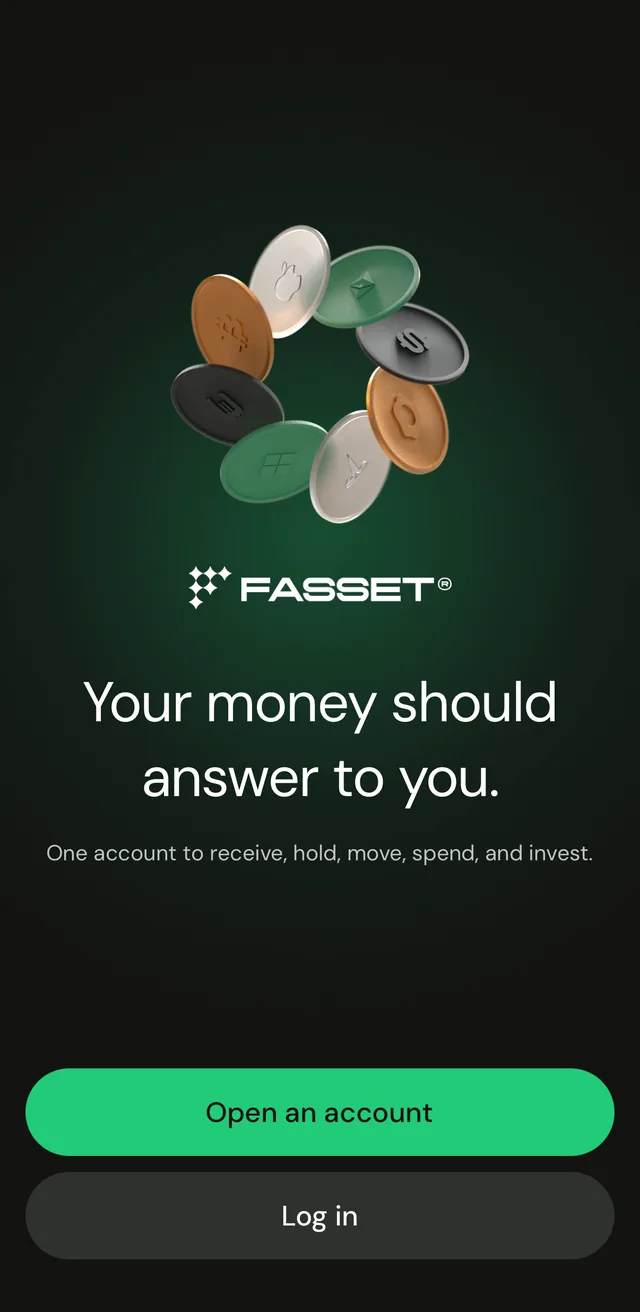
Your money should answer to you.
One account to receive, hold, move, spend, and invest.


Benefits
Sign up with your phone
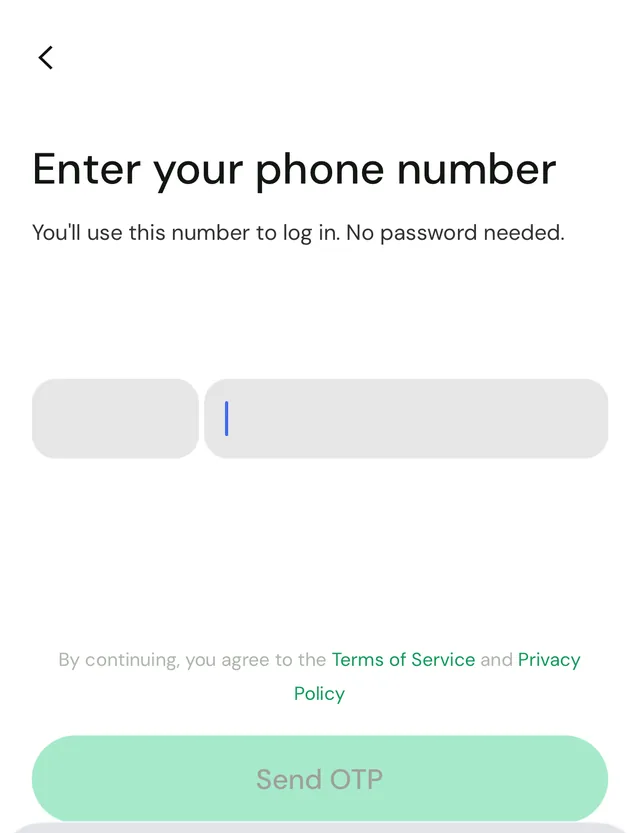
You use your phone number and a one-time code to log in. No password needed.
Verify in the app
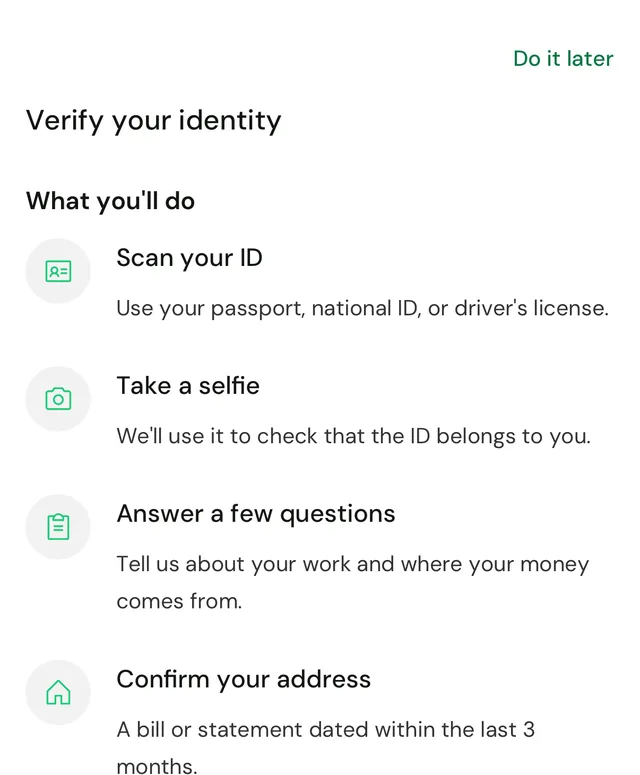
Scan your ID, take a selfie, answer a few questions and confirm your address, all in the app.
One account for everything
Receive, hold, move, spend and invest from the same account.
Start now, finish later
You can pause verification and continue where you left off.
How it works
Download the app
Open the Fasset app and tap Open an account.
Enter your phone number
Type your number, then enter the code we send you.
Verify your identity
Scan your ID, take a selfie, answer a few questions and confirm your address.
Explore the app
Add money, get a card, or browse the Invest tab.
Frequently asked questions
Download the Fasset app, tap Open an account, and enter your phone number. The app sends you a code to confirm the number.
No. You log in with your phone number and a one-time code. The app says: "No password needed."
An ID document, a selfie, a few answers about your work and where your money comes from, and a bill or statement dated within the last 3 months to confirm your address.
It depends on your account. The app tells you which ID to have ready.
Yes, you can explore the app first. Moving money, card orders and withdrawals need verification. The app shows what your account can do before verification.
Yes. Tap Do it later, and when you come back the app lets you continue where you left off.
Get the Fasset app.
Or leave your email and we'll be in touch about your Fasset account.