Fasset Card
Finally. Your crypto, usable.
Pay in-store or online wherever Visa is accepted.


Benefits
Spend wherever Visa is accepted
Pay in-store or online wherever Visa is accepted.
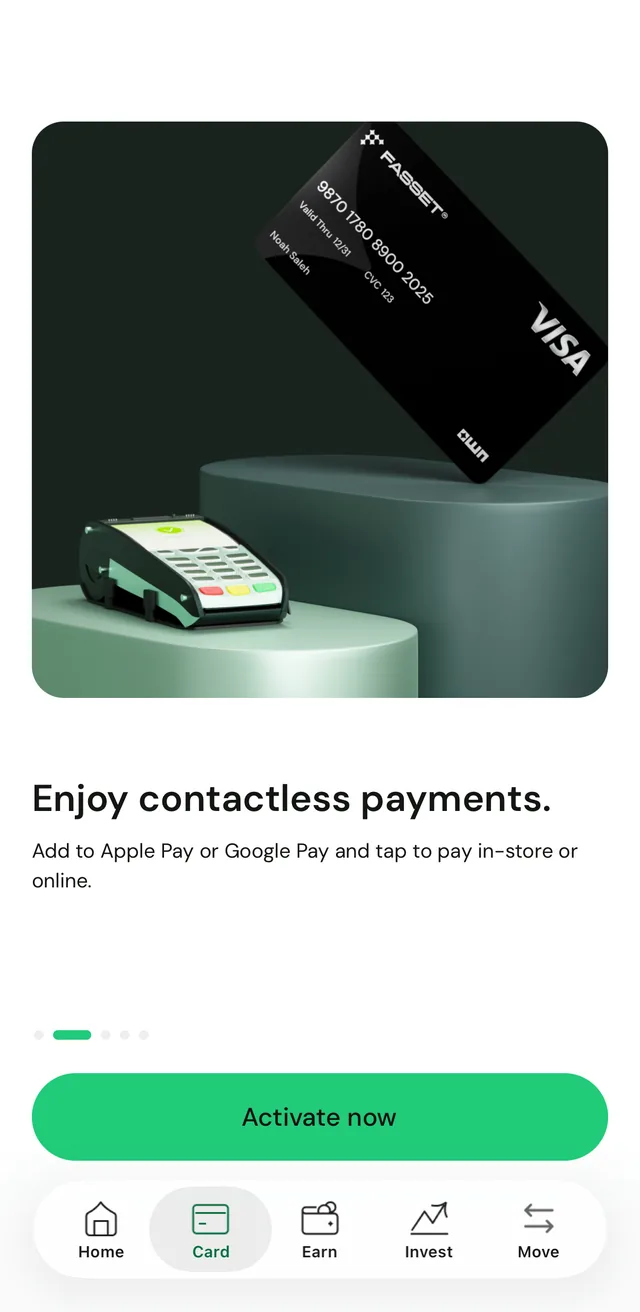
Enjoy contactless payments
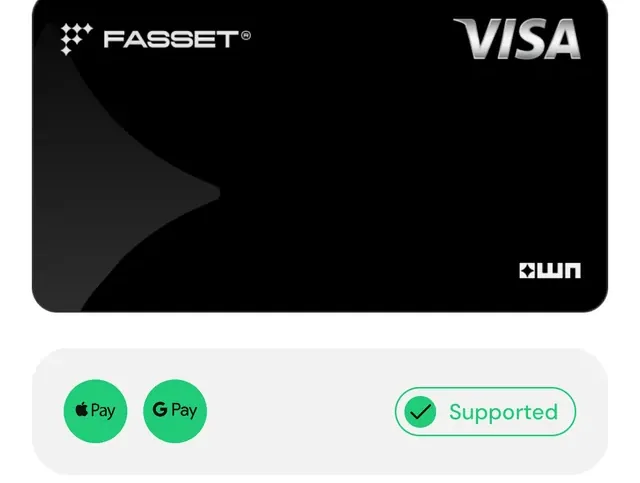
Add to Apple Pay or Google Pay and tap to pay in-store or online.
Earn as you spend
Every transaction rewards you with OWN points.
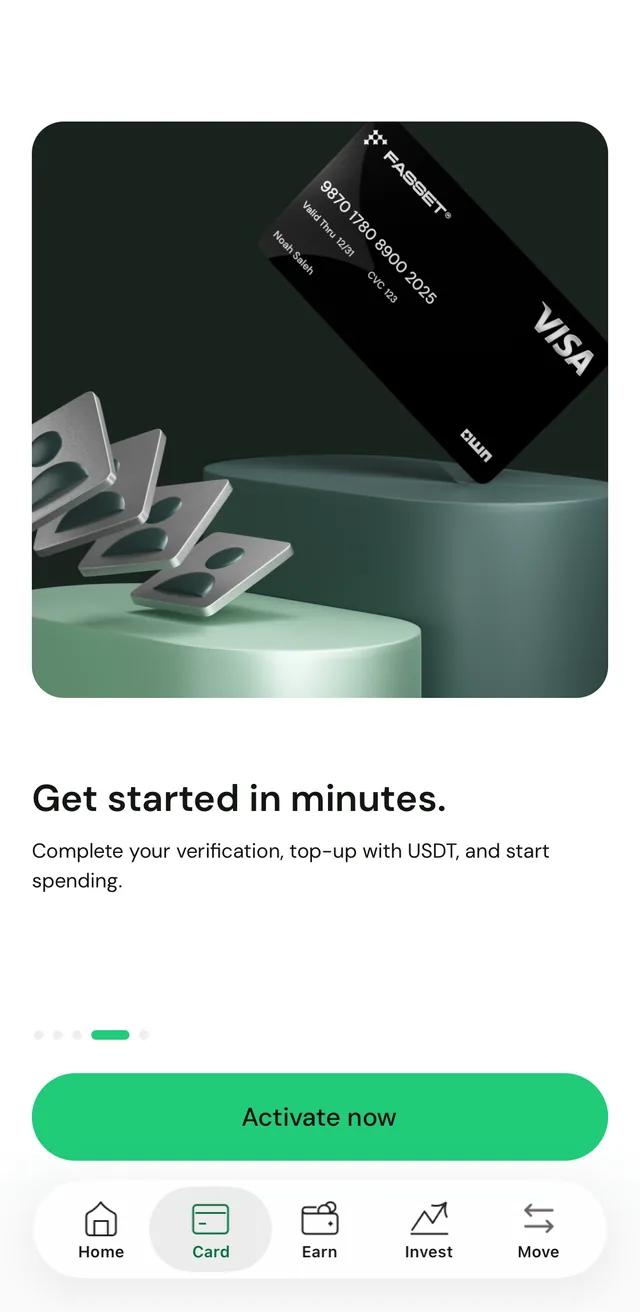
Get started in minutes
Complete your verification, top up with USDT, and start spending.
How it works
Activate your card in the app
Open the Card tab and tap Activate now. If you have not verified your identity yet, the app asks you to complete your verification first.
Top up with USDT and add it to your wallet
Top up the card from your USDT balance. Apple Pay and Google Pay are supported, so you can add the card to your phone.
Tap to pay
Pay in-store or online wherever Visa is accepted, and see every transaction in the app.
Frequently asked questions
The Fasset Card is a prepaid Visa card you top up in USDT and spend like a regular card wherever Visa is accepted. The card currency is USD. It is issued as a virtual card in the Fasset app.
In the Fasset app, open the Card tab and tap Top up. Enter the amount in USDT and confirm. The funds show in your card balance once the top-up completes.
For online payments, enter your card number, expiry date and CVV as you would with any card. For in-store payments, add the card to Apple Pay or Google Pay and tap to pay.
Open your card in the Fasset app and choose Add to Apple Wallet or Add to Google Pay, then follow the steps your phone shows. The card details are filled in for you.
Any card fee, including the one-time activation fee, is shown in the app before you confirm. The full fee schedule is in the Fasset Card Terms.
Yes. You can freeze and unfreeze the card from the app at any time. While it is frozen, the card and its details are hidden across the app until you unfreeze it.
You can cancel the card from the Fasset app. Once any pending transactions settle, the remaining balance is returned to your Fasset wallet in USDT.
Get the Fasset app.
Or leave your email and we'll be in touch about the Fasset Card.